LED Strip Light
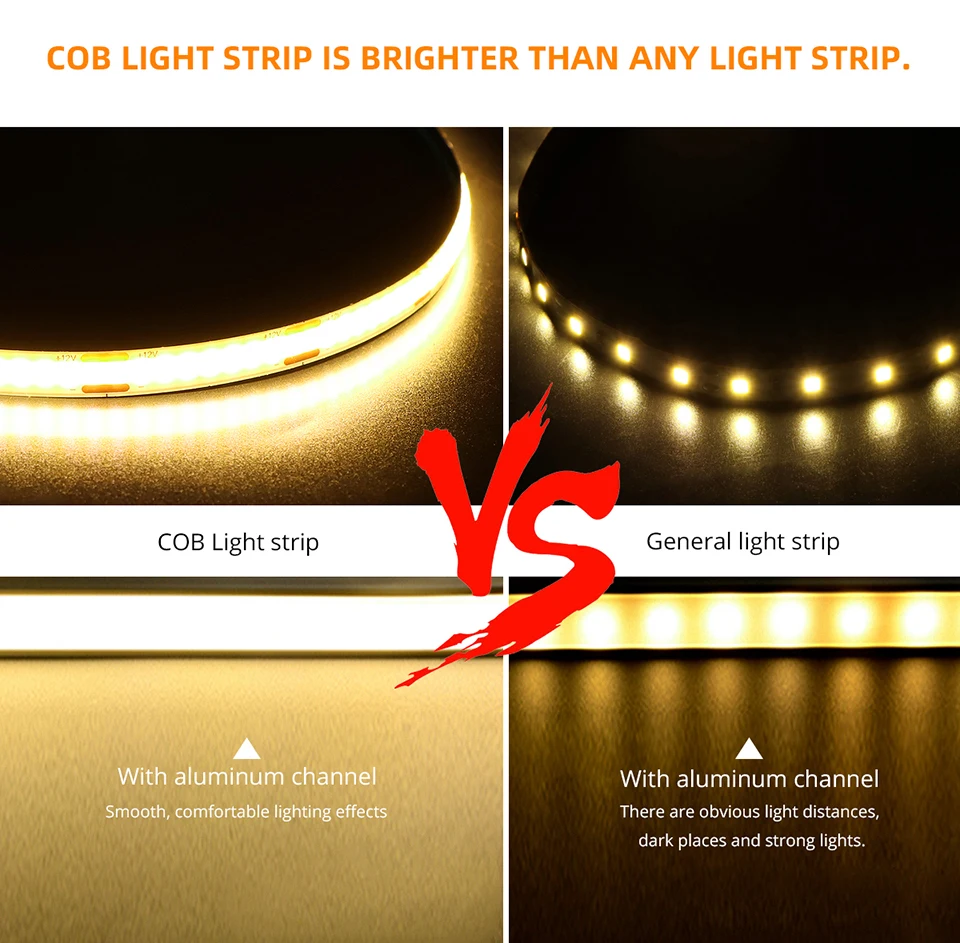
Illuminate your space with the CHNAITEKE COB LED Strip, a high-brightness lighting solution designed for comfort, style, and efficiency. Featuring 320 LED beads per meter and delivering up to 2000 lumens, this strip produces smooth, continuous light with no visible LED dots—perfect for bedrooms, accent lighting, workspaces, and cozy atmospheres. Choose between warm 3000K or cool 6500K color temperatures to set the mood that suits your space.
Operating on safe 5V DC power, the strip is energy-efficient and built for long-lasting use with a lifespan of over 50,000 hours. Its motion-activated feature adds convenience and automation, making it ideal for night lighting or hands-free illumination. Easy to install and versatile, this COB LED strip enhances any room with modern, uniform, high-quality lighting.
Specification:
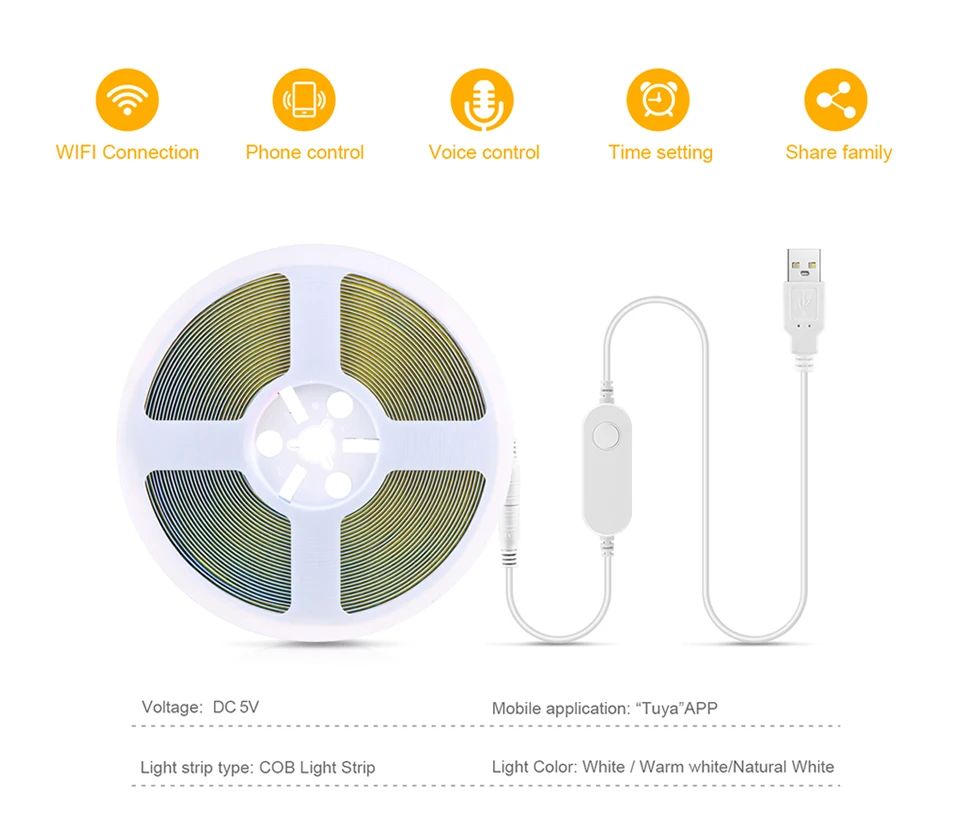
Type:WIFI LED Strip
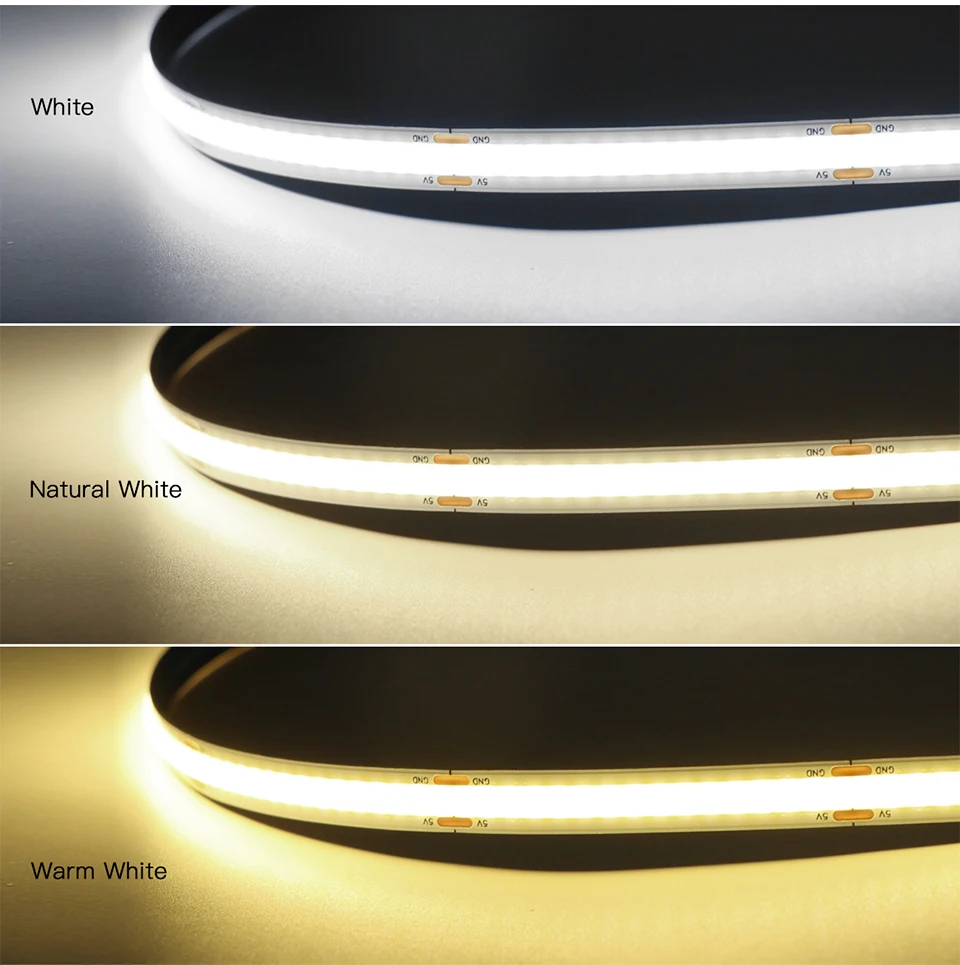
Light Color: White/Warm White
Color temperature: Warm White(3000K),Cool White(6000K).
Color Rendering Index: Ra>90
Voltage: 5V USB
Length: 1M/2M/3M/5M
Network: 2.4GHz Wi-Fi
App Download: Tuya or Smart Life
Support Mobile: Android/IOS
Function: Voice Control, APP Remote Control, Dimmable, Compatible with Amazon Alexa Echo Google Home Assistant, IFTTT
Features:
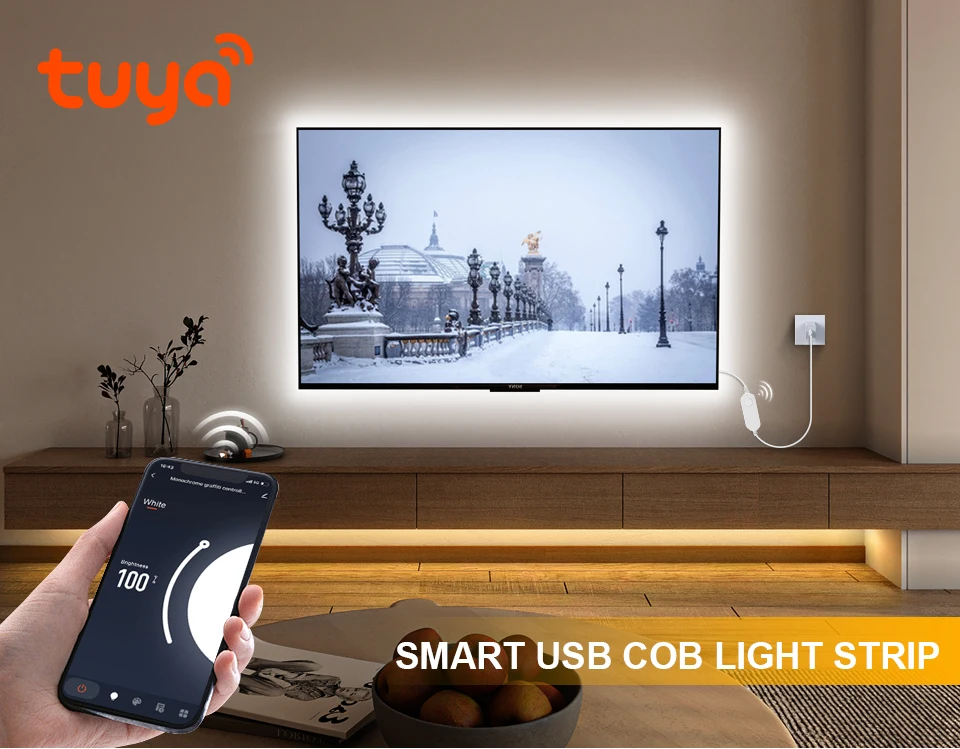
【Remote Control】 Even you are not at home, you can control your smart led strip on/off with your phone via Tuya or Smart Life App. Easily set schedule for your smart led strip. Customize your home light system, like setting lights to come on at dusk or turn off at sunrise. You can create a
group for all of your smart led strip and control them all with just one command. Works with 2.4GHz Wi-Fi network.
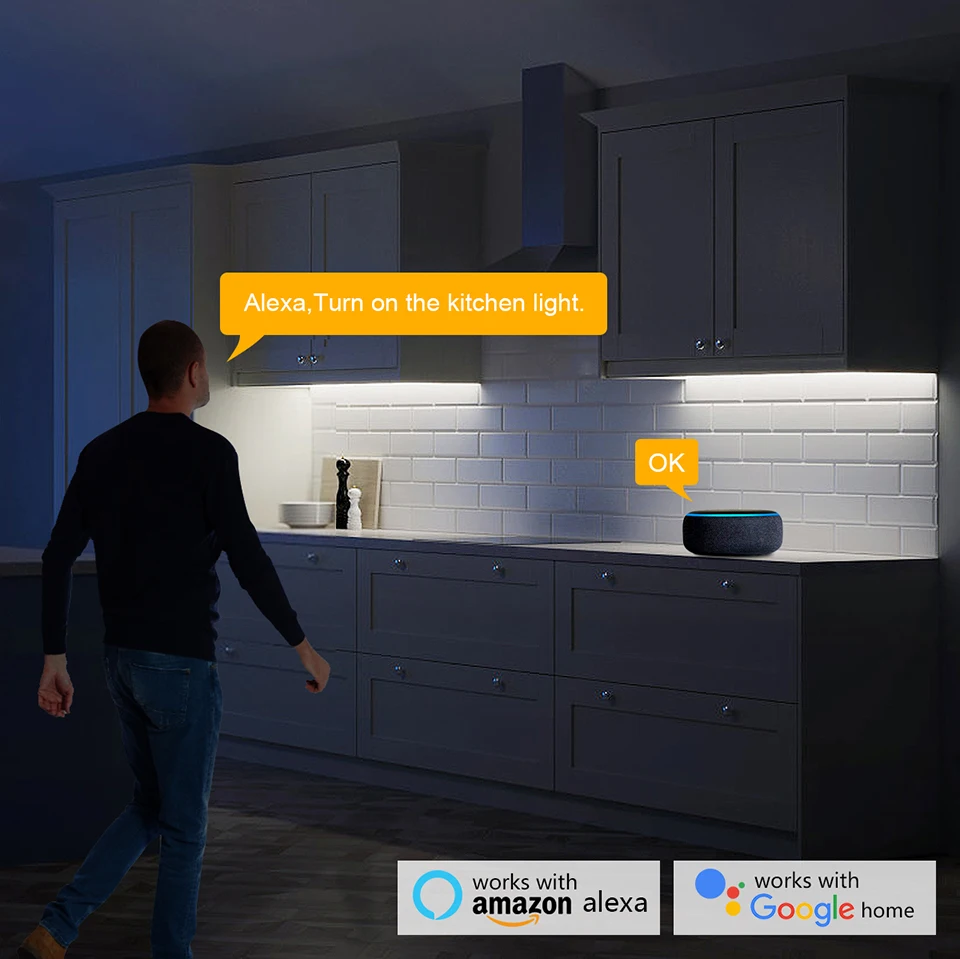
【Voice Control】 Control your smart led strip via your voice with Google
Assistant . Just give a voice command to turn on/off or dim/brighten your light, No hub required and easy to install. No need subscription.
【Energy Saving&Wide Usage】With LED technology, Save your electricity charge with newest lighting technology.
Instructions:
1. Scan the QR code of the product to download the APP and register the account.
2. Connect the controller and LED light strip, and switch on the power supply.
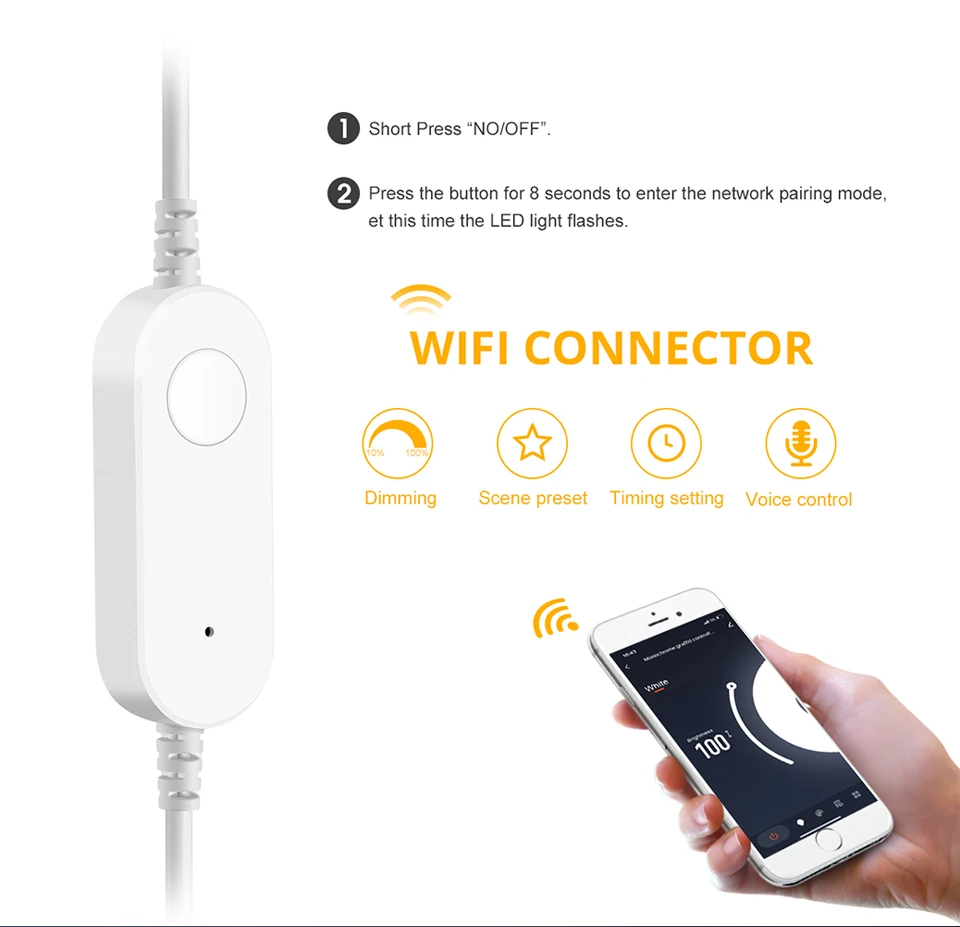
3.Open the Tuya Smart App and click Add Device (reset the device, switch
the power on and off 3 times, (Power on, power off, power on, power off,
power on), enter the flash state and complete the network distribution
operation within 3 minutes). Select Lighting → Light Strip → Confirm the
indicator is in flash, enter WiFi password → Click Next → Connection is
added successfully → Click Finish to complete the product network
distribution.
4. Enter the APP main interface in five parts: on/off, white light brightness adjustment interface, scene, plan, and Settings.
① Enter the white color ring interface to adjust the light brightness.
②When entering the scene interface, you can freely select different
scenes. The scene can be edited and set, such as the light mode can be
set to static, jump, breath, etc., and the scene can be freely named.
③ Enter the schedule interface (you can select the timing type, sleep and wake up)
④Enter the setting interface for timing (lights off, lights on, lights on and
dimming, lights on and setting scene), countdown (delayed lights off),
power response.
5.Button function: short press on/off, long press to adjust brightness. Quick
double click to adjust the brightness, double click twice to adjust the
brightness by 10%.
Tips--App:
Besure that you are using 2.4GHz WiFi when connecting with the smart
bulb. And WiFi must be detectable status. Many routers have 5 GHz and
2.4 GHz network and your phone will always automatically connect to the 5
GHz network. So, you have to completely turn off your 5 GHz network by
going to your router settings (enter the router IP address into your
internet browser, usually something like 192.168.1.1), forcing your
phone to connect to the 2.4 GHz network.
In addition, the router encryption mode must be WPA2-PSK type and the authentication type must be AES.